
Garmin's June 2026 update quietly adds Gear Tracking to its Edge computers - free, automatic component-wear monitoring that could stop a worn chain from silently destroying your cassette.
What Garmin quietly switched on
Garmin has switched on a feature it barely shouted about: Gear Tracking, part of the June 2026 software update for its Edge cycling computers. It lets you set an expected lifespan for each component on your bike, then automatically tallies the distance you ride on it and warns you as it nears the end of that life.
You can log individual parts - chain, cassette, chainrings, tyres, wheels - or whole sets like a drivetrain, and even your shoe cleats. The update is free and rolling out gradually via automatic device updates, Garmin Express or the Garmin Connect app.
Gear Tracking by the numbers
“Chains, in particular, stretch with use, and start to eat into the teeth on your cassette and ultimately your chainrings, so changing your chain regularly should reduce the frequency with which you need to replace the cassette.”
Why a stretched chain is a wallet problem
Here's the mechanic's logic Garmin is leaning on. A chain stretches as it wears, and a stretched chain starts chewing the teeth on your cassette and chainrings - the much pricier parts of a modern 12- or 13-speed drivetrain. Swap the chain in time and you usually save the cassette.
The workshop rule of thumb: replace an 11- or 12-speed chain at 0.5% wear (0.75% on 8/9/10-speed); leave it past 1% and you'll almost certainly need a new cassette too. In distance terms, a chain typically lasts 2,000-3,000 km, stretching to 5,000-6,000 km with dry weather and regular cleaning, while a cassette runs roughly 6,000-8,000 km.
View data table
| Typical km of road use | |
|---|---|
| Chain | 3000 km |
| Cassette | 7000 km |
Setting it up - and the catch
Setup happens in Garmin Connect first: add each component (type, brand, expected lifespan) in the app or on the web, then assign it to your bike. From there the Edge logs distance to it on every recorded ride and shows wear progress bars on the unit. One limitation worth knowing - there's no retroactive mileage import, so parts already in use start from zero.
The rollout itself has been messy. On Garmin's forums, Edge 1050 owners reported struggling to even find the feature after Garmin emailed to promote it, and dedicated maintenance apps flag a longer-term snag: the wear history lives inside Garmin Connect, so it doesn't travel with the bike if you sell it.
Gear Tracking vs a dedicated app vs a chain checker
| Garmin Gear Tracking | Dedicated app (e.g. ChainLog) | Chain checker gauge | |
|---|---|---|---|
| Automatic km logging | Yes, from your rides | Sometimes (Strava sync / manual) | No |
| On-device / push alerts | Yes - on the Edge and app | Push notifications | No |
| Works without a Garmin | No - Edge only | Yes, any bike or phone | Yes |
| Measures real, physical wear | No - distance estimate | No - distance estimate | Yes - direct |
| Record you can hand a buyer | Stays in Garmin Connect | Exportable | No |
| Up-front cost | Needs an Edge unit | Free / low cost | One-off tool |
Specs: BikeBuy analysis / ChainLog
What reviewers and riders are saying
Three takes from three angles
Independent verdicts from across the cycling press — follow each link for the full review.
An overdue extension to the Edge
“On-device gear tracking: assign and edit your full bike setup directly on the Edge, covering drivetrain, wheels, tyres, and even cycling shoe cleats.”
Read the full reviewA safety win as well as a money one
“A stretched chain damages the cassette.”
Read the full reviewUseful - but the data is locked in
“The history stays in Garmin Connect, but it doesn't travel as a document you can show a buyer when you sell the bike.”
Read the full review“Why would you send an email extolling the new feature and not tell you how to use it?”
Our verdict
A genuinely useful, free addition that nudges you to service the drivetrain before a cheap chain wrecks an expensive cassette - just don't treat the progress bar as gospel.
The honest balance
- Completely free - it ships in the June 2026 Edge software update
- Logs distance automatically across multiple bikes once set up
- Covers the whole drivetrain plus tyres, wheels and even cleats
- On-device progress bars and Connect alerts flag parts before they fail
- Catching a worn chain early can save the far pricier cassette and chainrings
- It's a distance/time estimate, not a measurement of real wear
- Ignores terrain, weather, rider weight and how often you clean
- No retroactive mileage import for parts already in use
- The wear history stays locked in Garmin Connect - you can't hand it to a buyer
- Confusing rollout and thin instructions frustrated early users
- Edge-only: needs a compatible (and not-cheap) head unit
How gear tracking reached the Edge
- Q1 2026Watches go first
On-watch gear management lands on Fenix, Forerunner, Instinct and other Connect-syncing watches.
- June 2026Edge gets Gear Tracking
On-device gear tracking ships to the Edge MTB, 540, 840, 1040, 550, 850 and 1050 as a free update.
- NowStaged rollout
Pushed gradually via automatic device updates, Garmin Express and Garmin Connect.
Live SA prices: Edge computers that get the feature
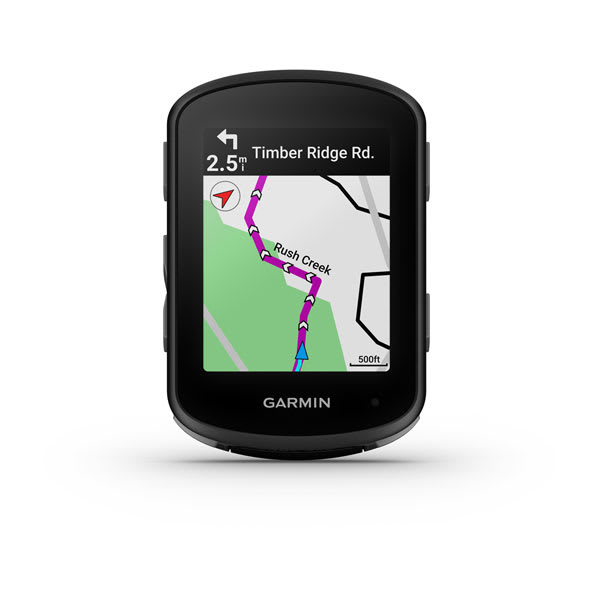
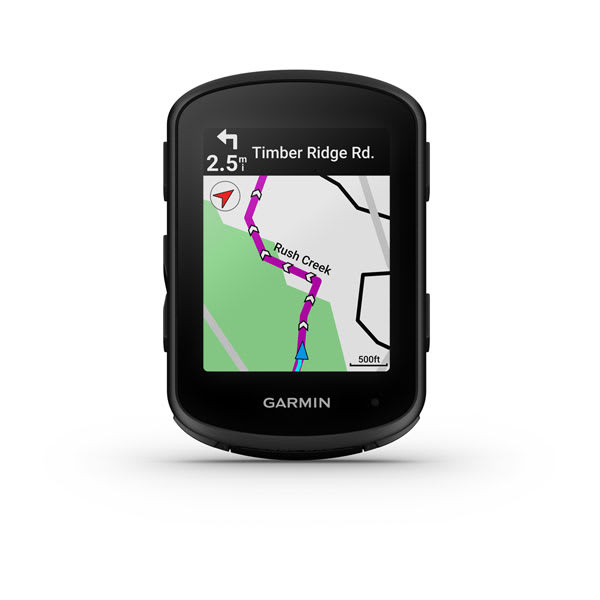
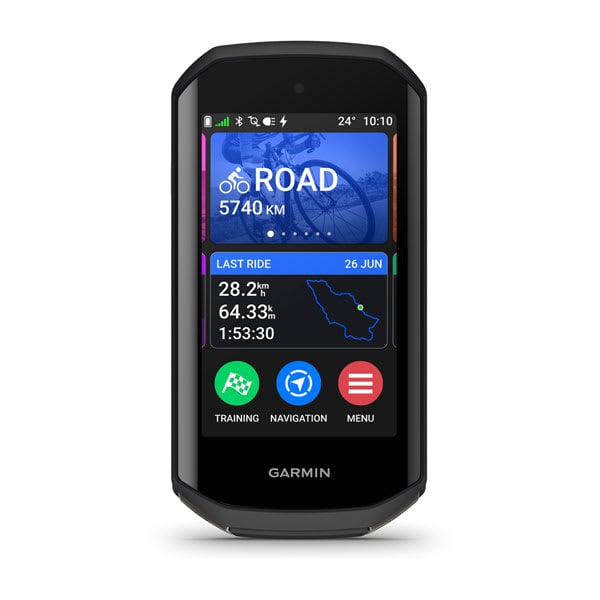
Gear Tracking is a free update, but you need a compatible Edge. Here's what they're going for in South Africa right now - plus a chain checker to verify what the progress bar is telling you.
Tap to vote — see how readers lean
Garmin Gear Tracking: your questions
Which Garmin Edge computers support Gear Tracking? +
The Edge MTB, 540, 840 and 1040, plus the newer 550, 850 and 1050. It arrived as part of the June 2026 software update.
Does it cost anything? +
No. It's part of a free firmware update, rolled out gradually via automatic device updates, Garmin Express or the Garmin Connect app.
Does it actually measure how worn my chain is? +
No. It estimates wear from distance and time, not physical stretch. Use Garmin's progress bars as a reminder, then confirm with a chain checker at around 0.5% wear on a 12-speed drivetrain.
How do I set it up? +
Add each component in Garmin Connect (app or web) first - give it a type, brand and expected lifespan - then assign it to your bike. The Edge logs kilometres to it automatically. There's no retroactive import for parts already in use, so they start from zero.
Can I track more than one bike? +
Yes. You can log components per bike and complete sets like a drivetrain, plus tyres, wheels and shoe cleats, then pick the right gear when you save a ride.
Sources and further reading
- Garmin quietly releases a key feature that could save you money on replacement parts — BikeRadar
- Garmin launches a system to track the lifespan of chains, cassettes, tires and more — Brujula Bike
- New Garmin Features - Q2 2026 feature update — the5krunner
- Garmin Gear Tracking: tracks distance, hours and lifespan of gear — Notebookcheck
- Tracking bike component wear: gauge, app, Garmin or logbook? — ChainLog
- How often should you replace your chain and cassette? — Cycling Weekly
Garmin's Gear Tracking won't replace a cheap chain checker, but it's a free, low-effort nudge that solves a very real problem: riders putting off a chain swap until it chews through a far pricier 12- or 13-speed cassette. Set it up once, treat the progress bar as a reminder rather than a measurement, and back it up with a quick gauge check. For anyone already riding a compatible Edge, there's no reason not to switch it on.


